Don't skip Finish workout
An open session does not count toward streaks until you tap Finish workout.
After you create an account, Onboarding asks six short steps. On the first screen, pick I want to train (athletes) or I’m a coach (coaches — see Get started as a coach).
Then choose a goal (for example Build Muscle), sports, units, and height/weight. Onboarding does not calculate your nutrition macros — it only saves goal, sports, units, and body stats. Macro targets stay on the app defaults until you edit them under Nutrition → Goals.
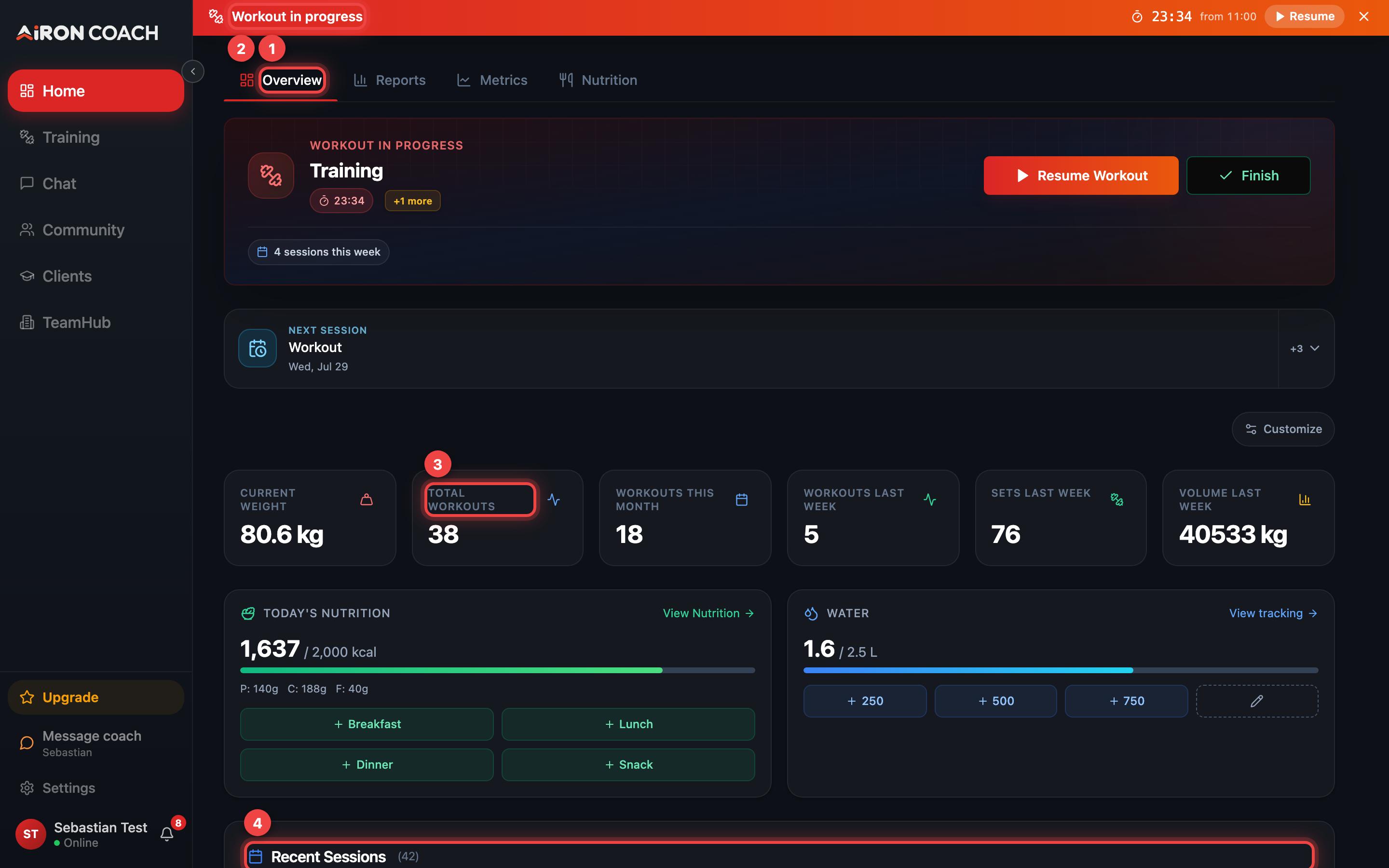
Home is your dashboard: today’s session, headline numbers, and recent sessions.
airon.coach · · 9cb414d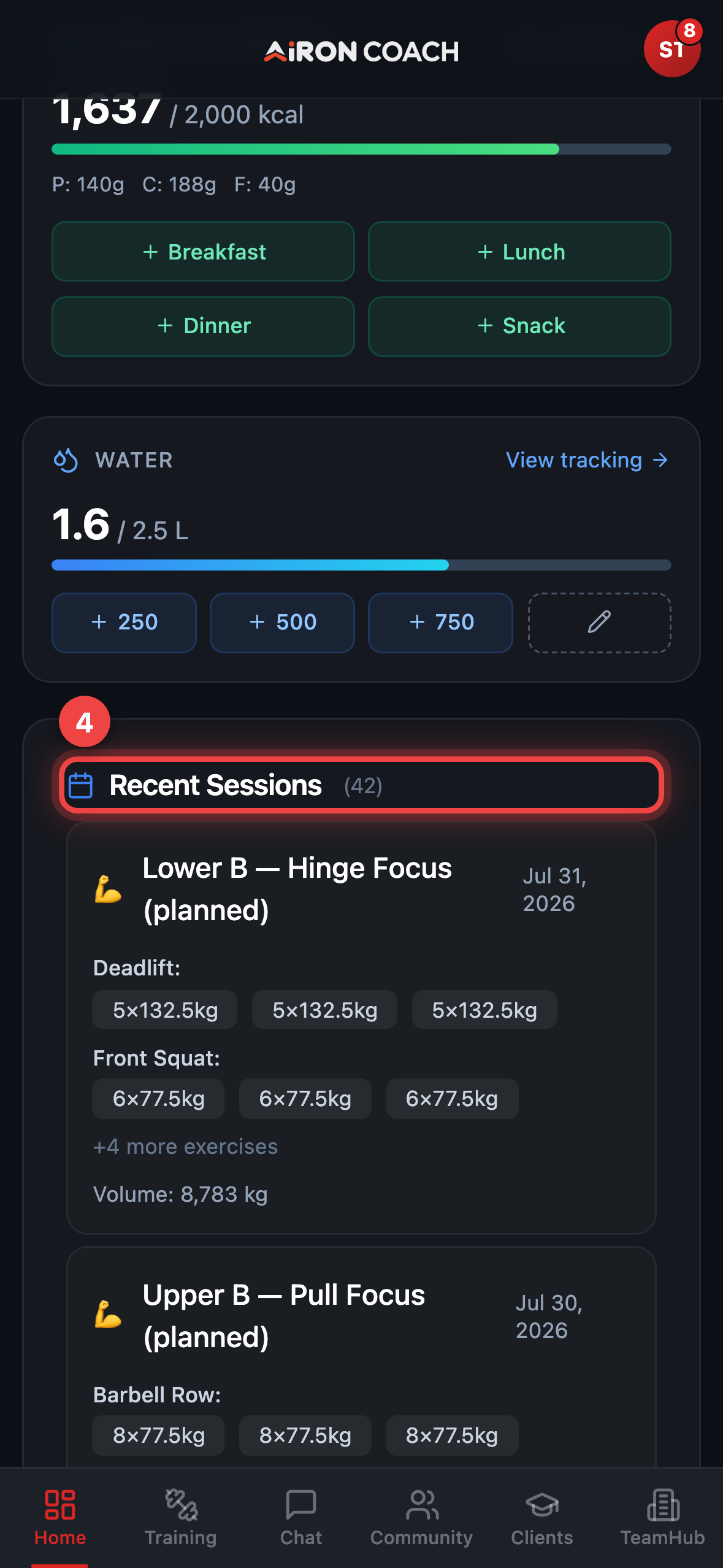
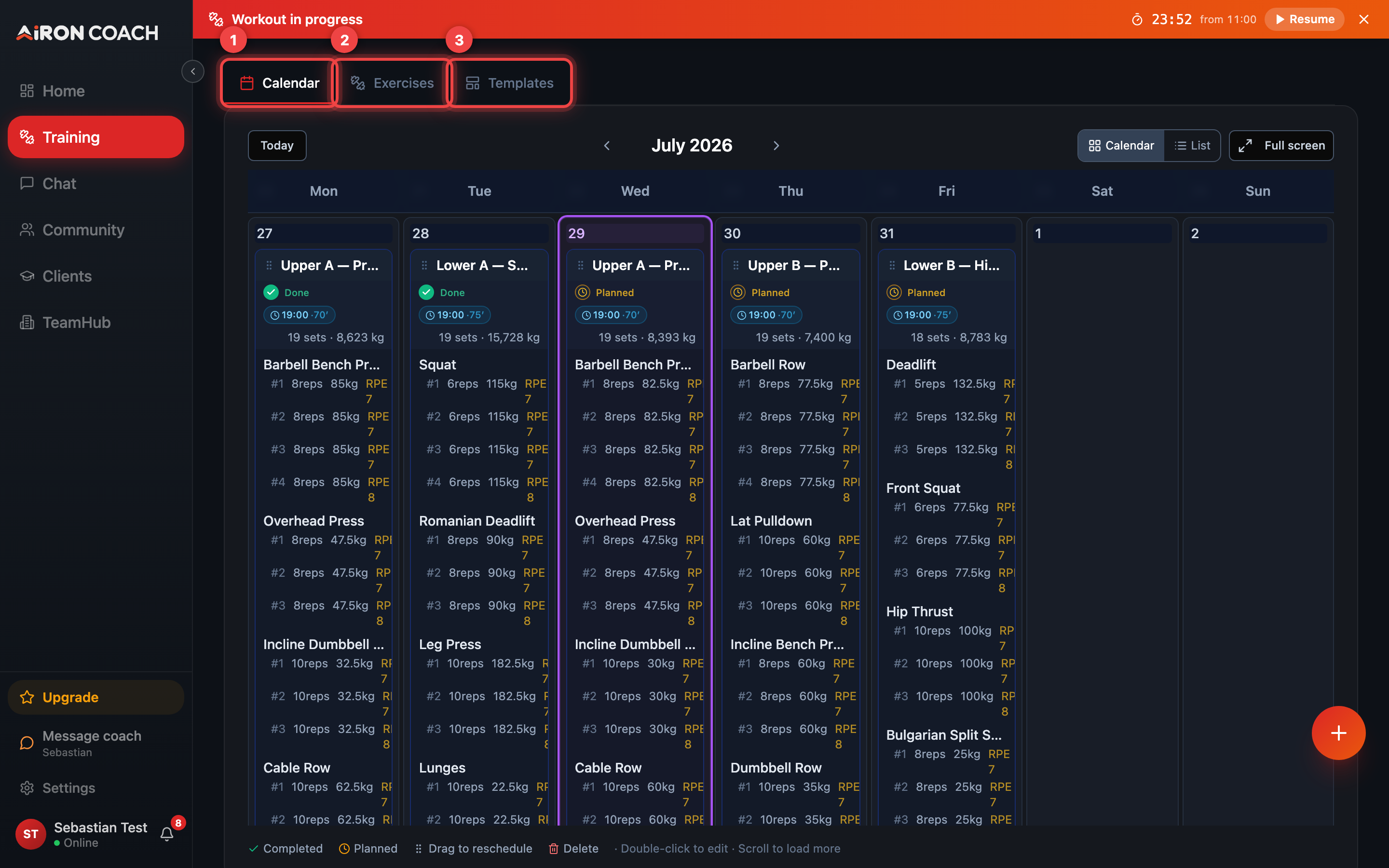
airon.coach · · 9cb414dOpen Training from the sidebar or tab bar. Tap Log workout (the floating action on Training), or start from today’s card with Start Workout.
On the log screen:
airon.coach · · 9cb414d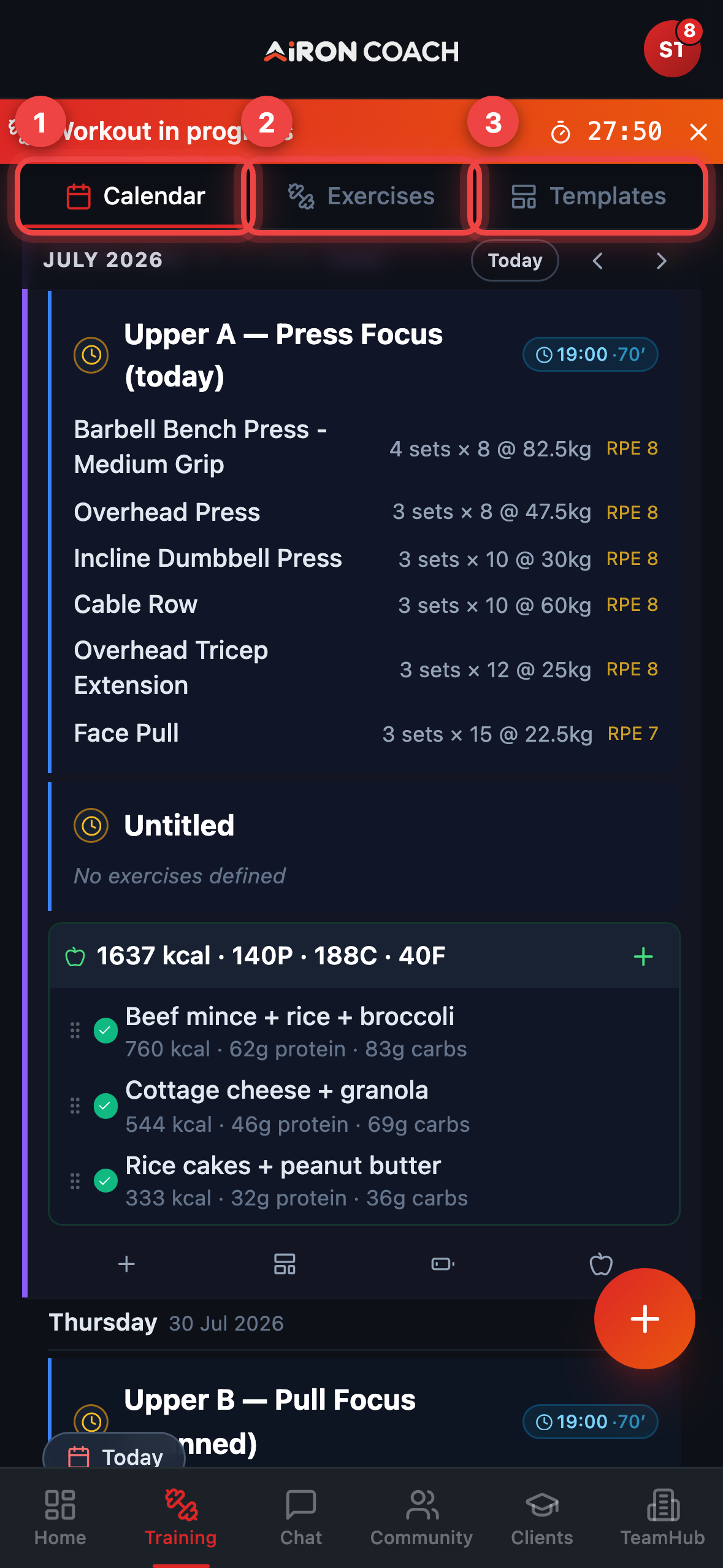
airon.coach · · 9cb414dOpen Nutrition. Rings show Protein, Carbs, Fats, and Calories. If you have not edited goals yet, the defaults are 2000 kcal / 150 g protein / 250 g carbs / 70 g fat — change them with Goals.
Open AI Coach (labelled Chat if you are already on a team) and ask something grounded in your logs, for example: how many sessions you completed this week. If the coach proposes a write, press Apply only when you want it saved — or Ignore to discard.
Don't skip Finish workout
An open session does not count toward streaks until you tap Finish workout.