Invites and trainees
Clients workspace
Section titled “Clients workspace”Open Clients in the sidebar (/Trainees). This is your trainee roster across the
teams you coach.
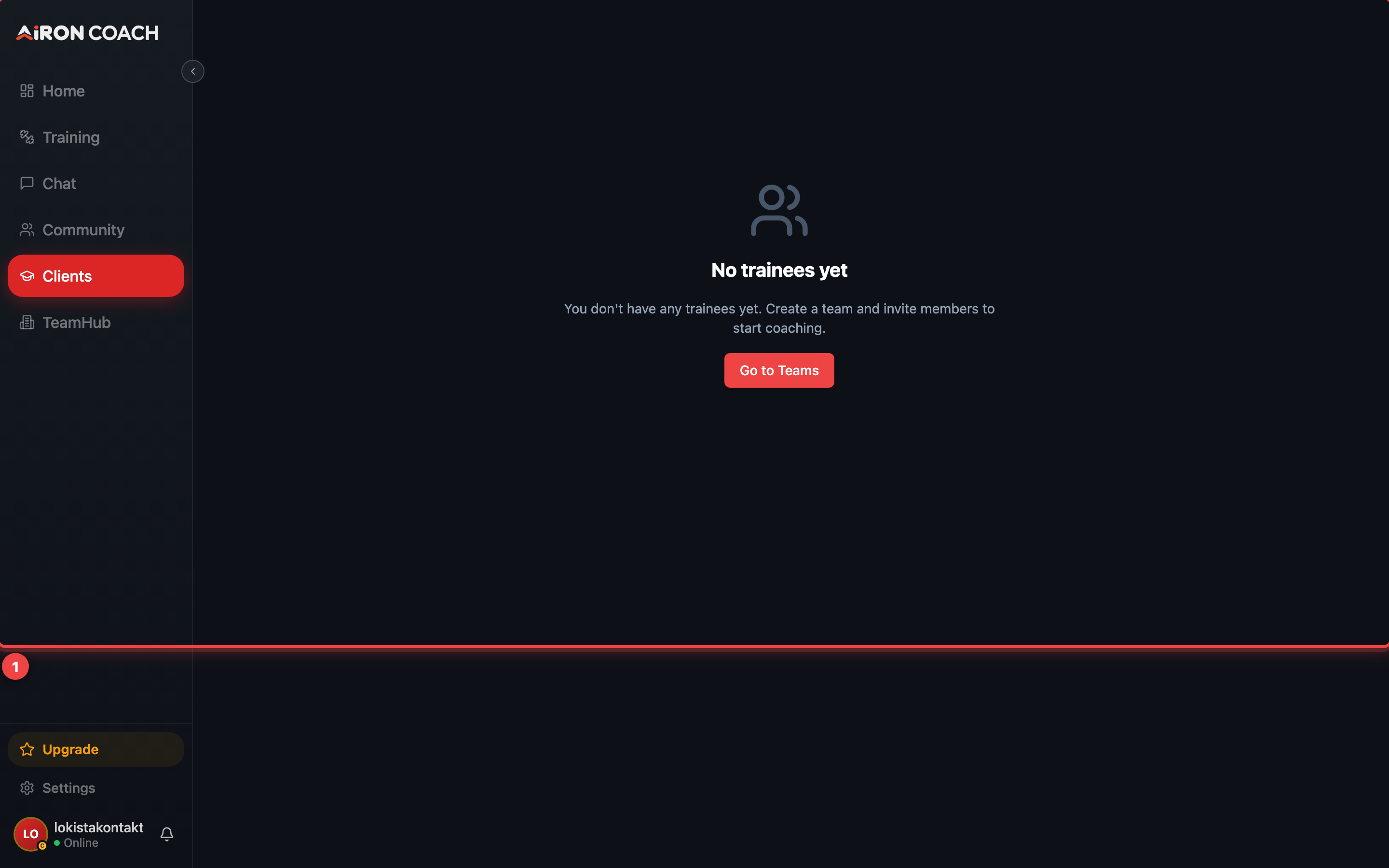
- Callout 1: Your trainees
airon.coach · 
- Callout 1: Your trainees
airon.coach · If the list is empty you will see No trainees yet and guidance to create a team and invite members.
Send an invite
Section titled “Send an invite”From TeamHub Clients (or the TeamHub trainees panel), tap Invite client. You can also invite from People (member / join-link invites) or use Invite trainee from Community compose when your account is coach-capable.
Share the link. The recipient opens /AcceptInvite?token=….
Accept flow (trainee side)
Section titled “Accept flow (trainee side)”AcceptInvite runs automatically when the token is valid and the signed-in email matches (or the link is an open join link). If the visitor is logged out they see:
- Sign in & accept
- Create account & accept
After success, athletes are guided into the team community; trainers land in Go to TeamHub.
Pending outbound invites appear under TeamHub as Pending invites.
Privacy and access
Section titled “Privacy and access”A trainee’s data is theirs. Coaches see training information for trainees who have an approved coaching relationship — not for accounts that never accepted.
Roster limits
Section titled “Roster limits”Trainee totals are capped across all your teams: 3 / 10 / 50 on Free / PRO / ELITE. The cap is checked when you invite or approve. Existing members stay if you are already over a lowered limit; you simply cannot add more until you are under it.