Log a workout
Open Log workout
Section titled “Open Log workout”From Training, tap the floating action button labelled Log workout, or open an existing plan day and choose Start session.
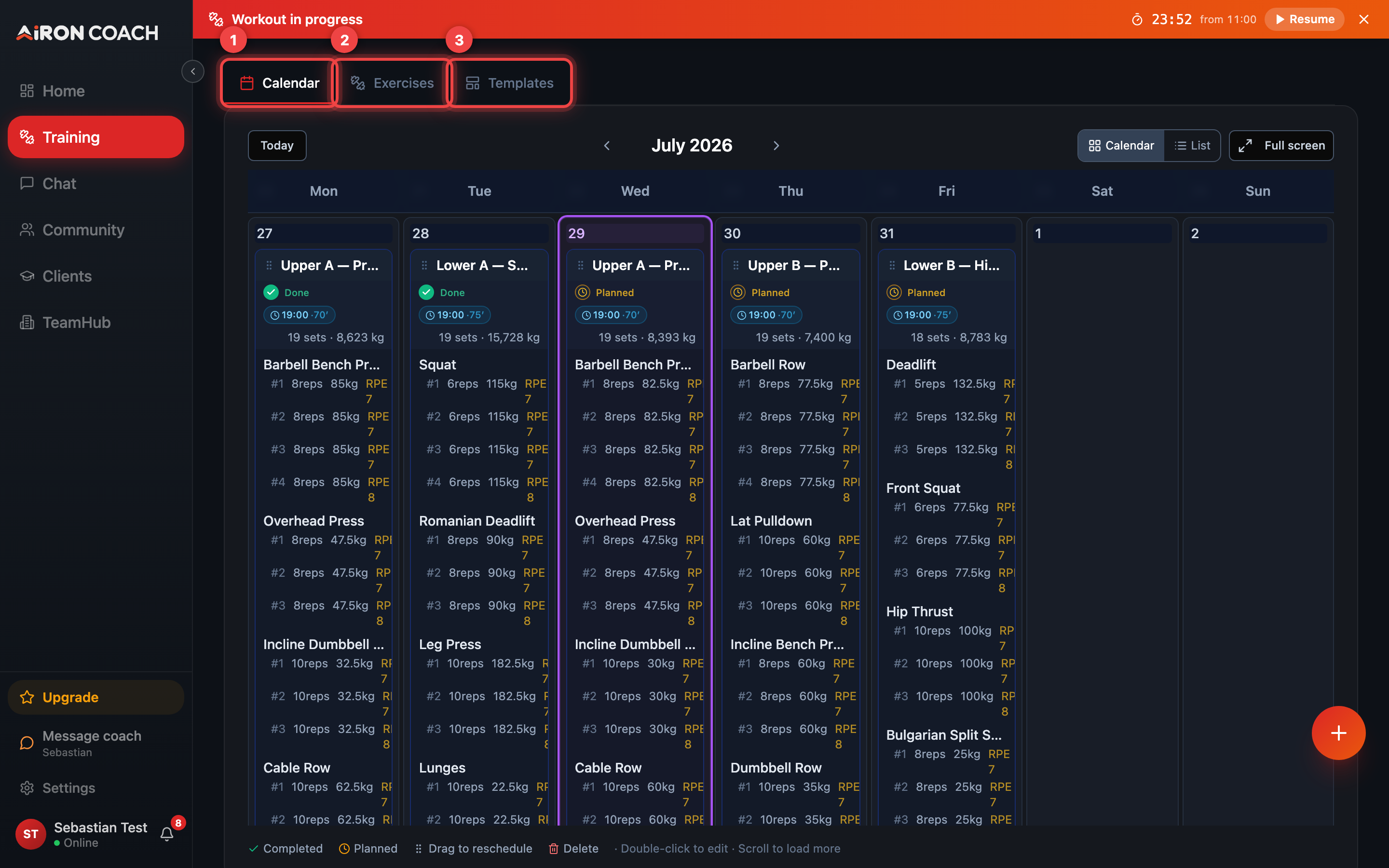
- Callout 1: Calendar
- Callout 2: Exercises
- Callout 3: Templates
airon.coach · · 9cb414d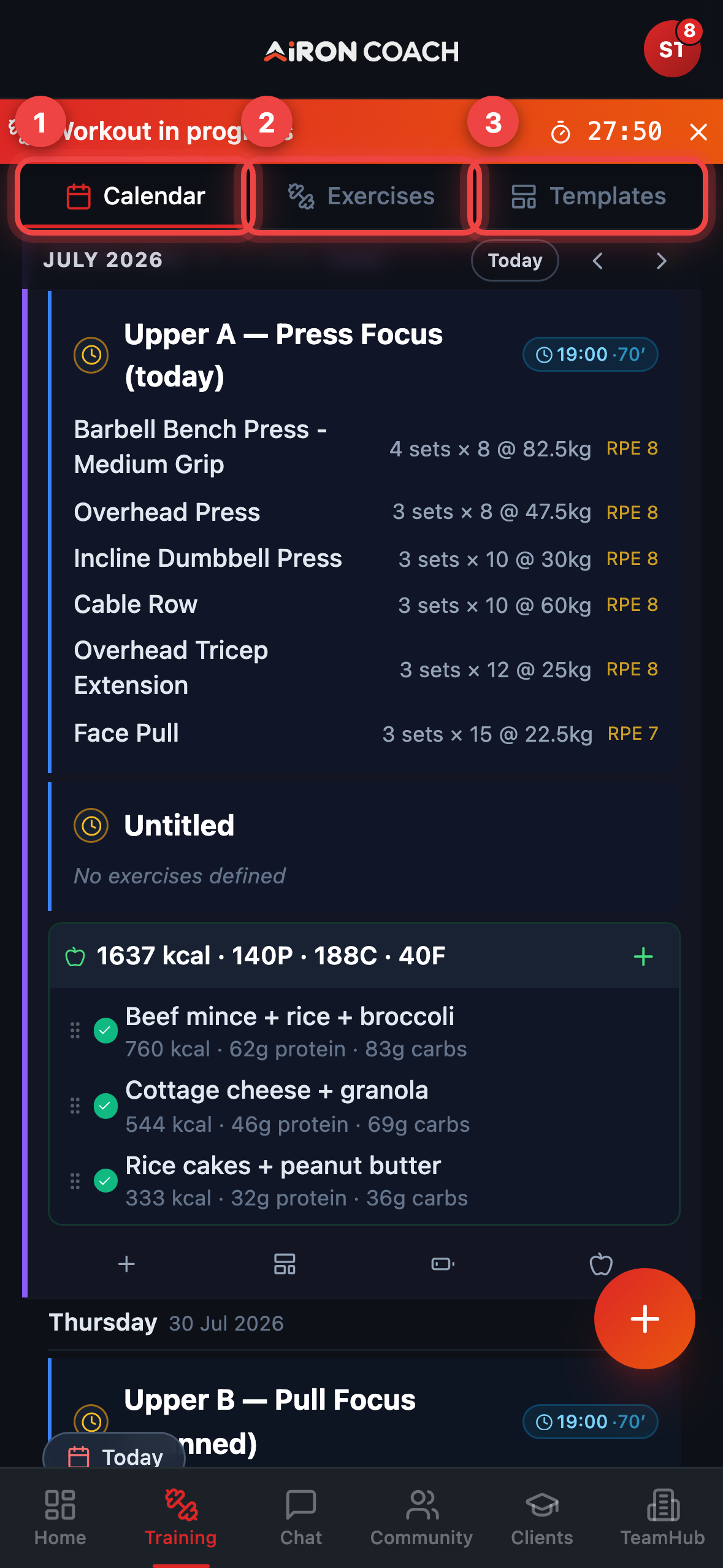
- Callout 1: Calendar
- Callout 2: Exercises
- Callout 3: Templates
airon.coach · · 9cb414dStrength logging
Section titled “Strength logging”- Tap Add exercise and search the library.
- For each working set use Add set.
- Enter weight and reps, then Save set.
- Optional: mark a set as warm-up with the Warm-up toggle.
- Tap Finish workout to close the session.
Cardio intervals
Section titled “Cardio intervals”Cardio sessions are built from intervals instead of sets. Use Add interval for each one, giving its duration and intensity, then Finish workout to end the session.
If a session is already open
Section titled “If a session is already open”Only one in-progress workout can be active. If the app blocks a new start, open the live player via the Workout in progress banner (Resume), or from Training, and either Finish Workout or Discard workout before starting another.
Active Workout player
Section titled “Active Workout player”When the Active Workout feature is available, Start session / Start Workout can open the live player with rest timers. The same finish and discard controls end the session — see Active workout.