Get started as a coach
Pick the coach role
Section titled “Pick the coach role”During onboarding, when asked Are you a coach or here to train yourself?, choose I’m a coach.
That fork sends you to create a team (/Teams?create=1) rather than finishing as a
solo athlete. You can still train yourself on the same account afterward.
Create your team
Section titled “Create your team”- Create the team from Teams.
- Complete your public-facing coach / team profile when prompted
(
/CreateCoachProfilestill exists; team-first flows prefer the team storefront). - Open TeamHub to finish profile, offers, and invites.
Your two daily surfaces
Section titled “Your two daily surfaces”| Nav label | Route | Use for |
|---|---|---|
| Clients | /Trainees |
Per-trainee coaching work |
| TeamHub | /TeamHub |
Team profile, inbox, offers, people, settings |
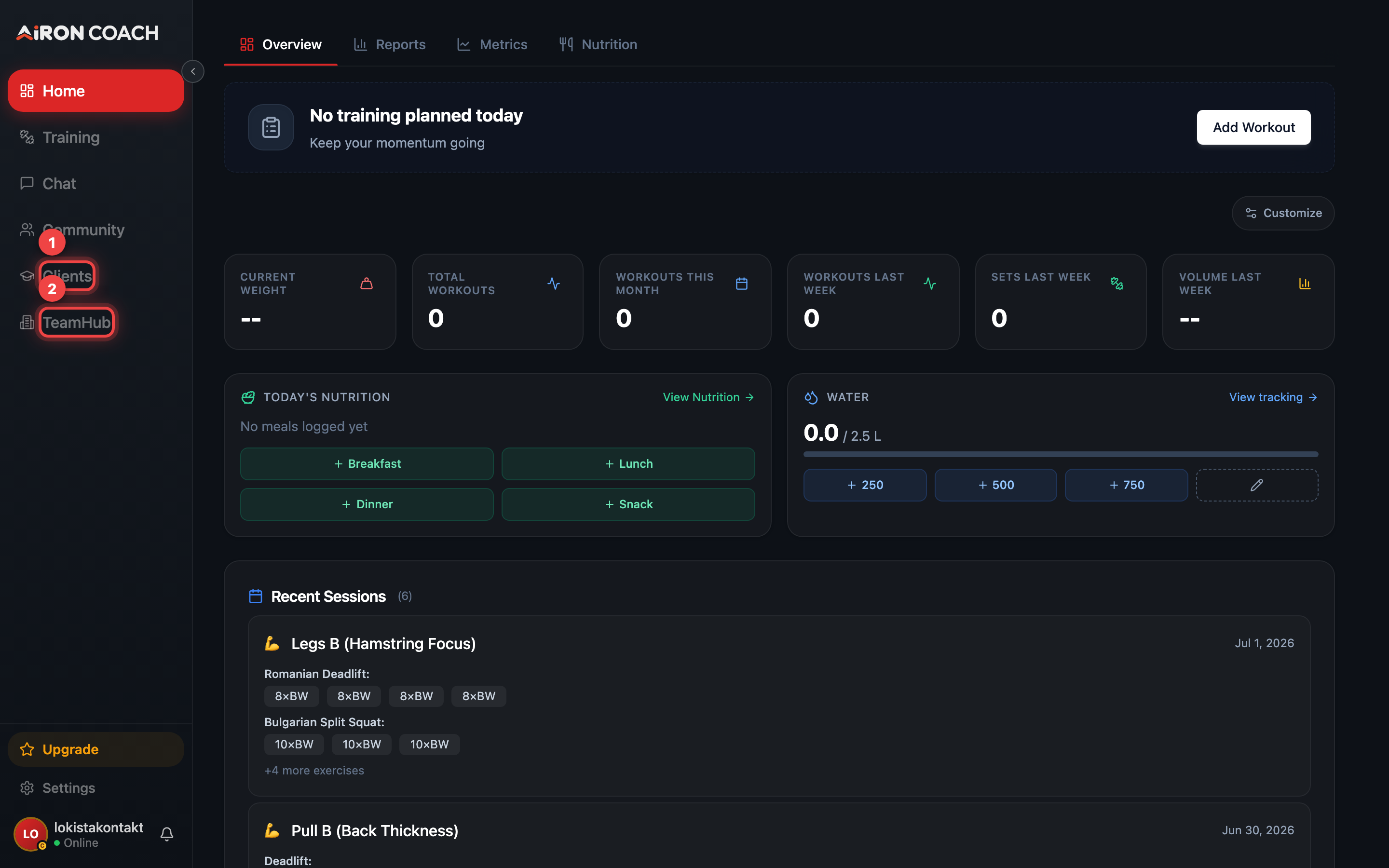
- Callout 1: Clients — your trainees
- Callout 2: TeamHub — team settings, inbox and offers
airon.coach · · 9cb414d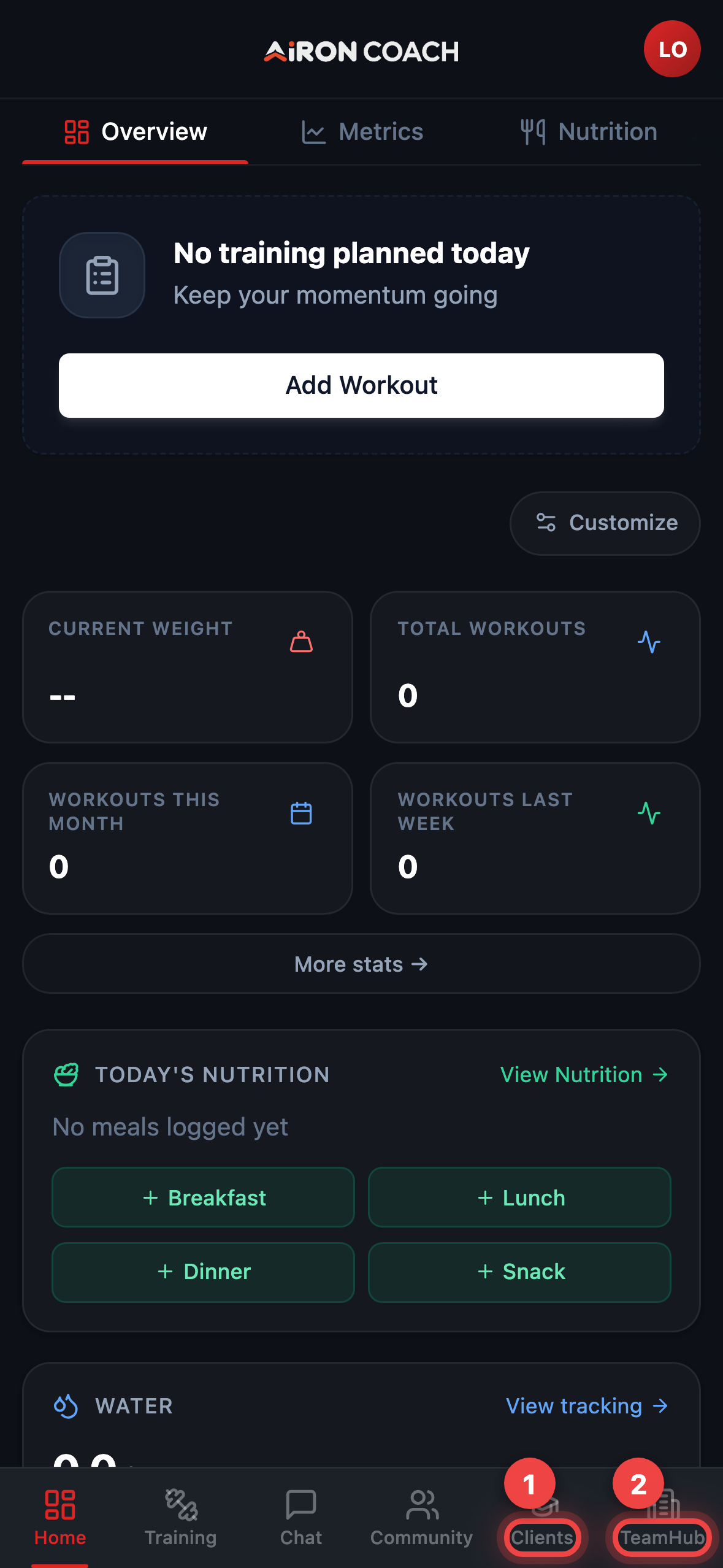
- Callout 1: Clients — your trainees
- Callout 2: TeamHub — team settings, inbox and offers
airon.coach · · 9cb414dSee Coach overview for the TeamHub section map, then Invites and trainees to add your first client.
Plan limits to know up front
Section titled “Plan limits to know up front”- Trainees total: 3 / 10 / 50 (Free / PRO / ELITE)
- Owned teams: 1 / 3 / 5
Full table: Plans, limits and AI credits.