Athlete overview
The app has four main areas, shown in the sidebar on desktop and as a tab bar on your phone.
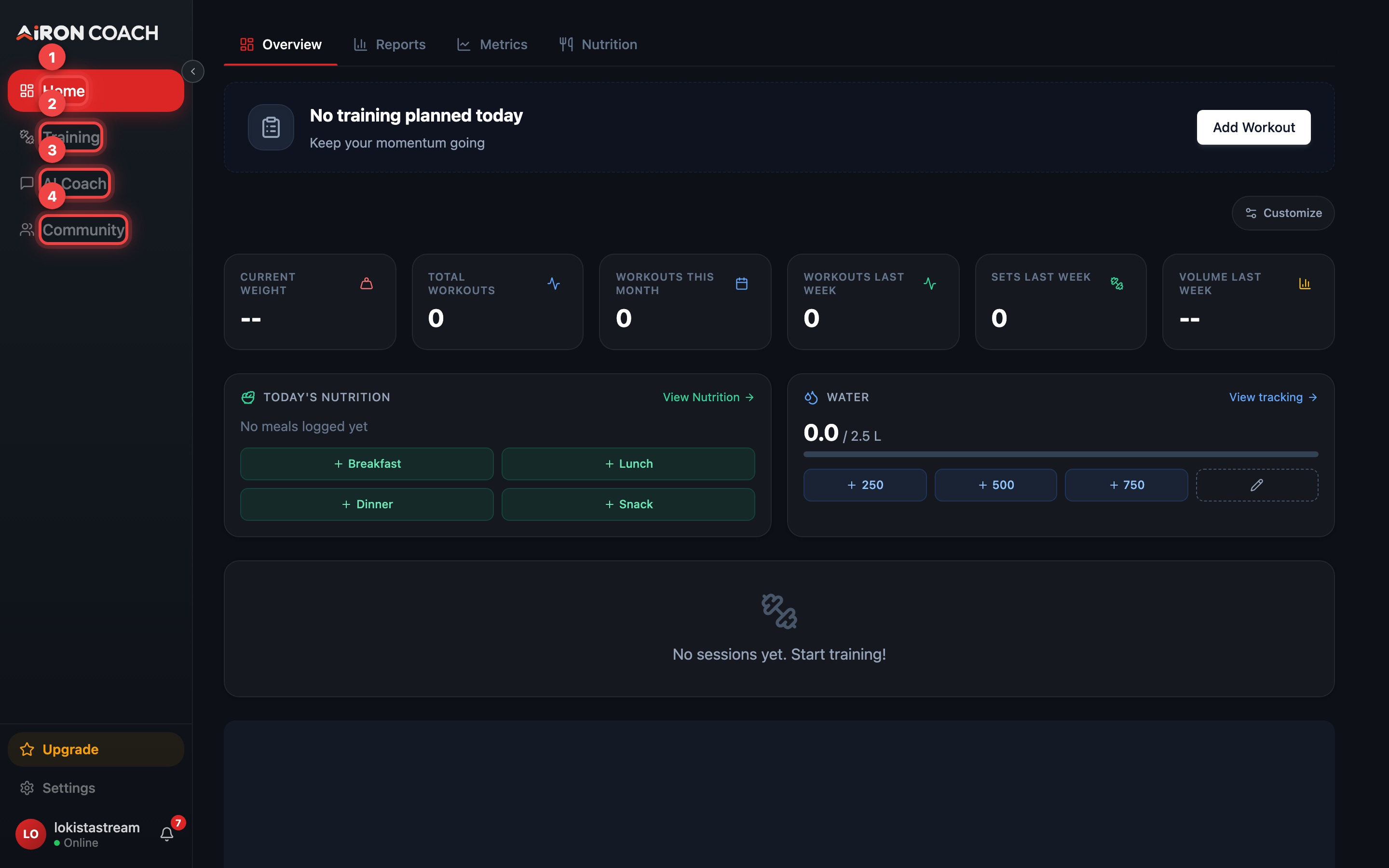
- Callout 1: Home — your dashboard
- Callout 2: Training — calendar, exercises and templates
- Callout 3: Your AI coach
- Callout 4: Community feed
airon.coach · · 9cb414d| Area | What it is for |
|---|---|
| Home | Your dashboard: today’s session, headline numbers, recent sessions. Body metrics and reports live here too, under the Metrics and Reports views. |
| Training | The calendar, your exercise library, and workout templates. |
| AI Coach | Questions answered from your actual logs. |
| Community | The shared feed and team entry points. |
What the AI coach will never do on its own
Section titled “What the AI coach will never do on its own”The AI coach proposes changes rather than making them. When it wants to write something to your calendar or plan, you get a card with Apply and Ignore.
Nothing is saved until you choose Apply. If you never touch the card, your data is unchanged. Deletes ask for Confirm delete instead of Apply.