Integrations
Open Settings, then the Integrations tab. This is where self-serve connections live (they used to be mixed into notifications).
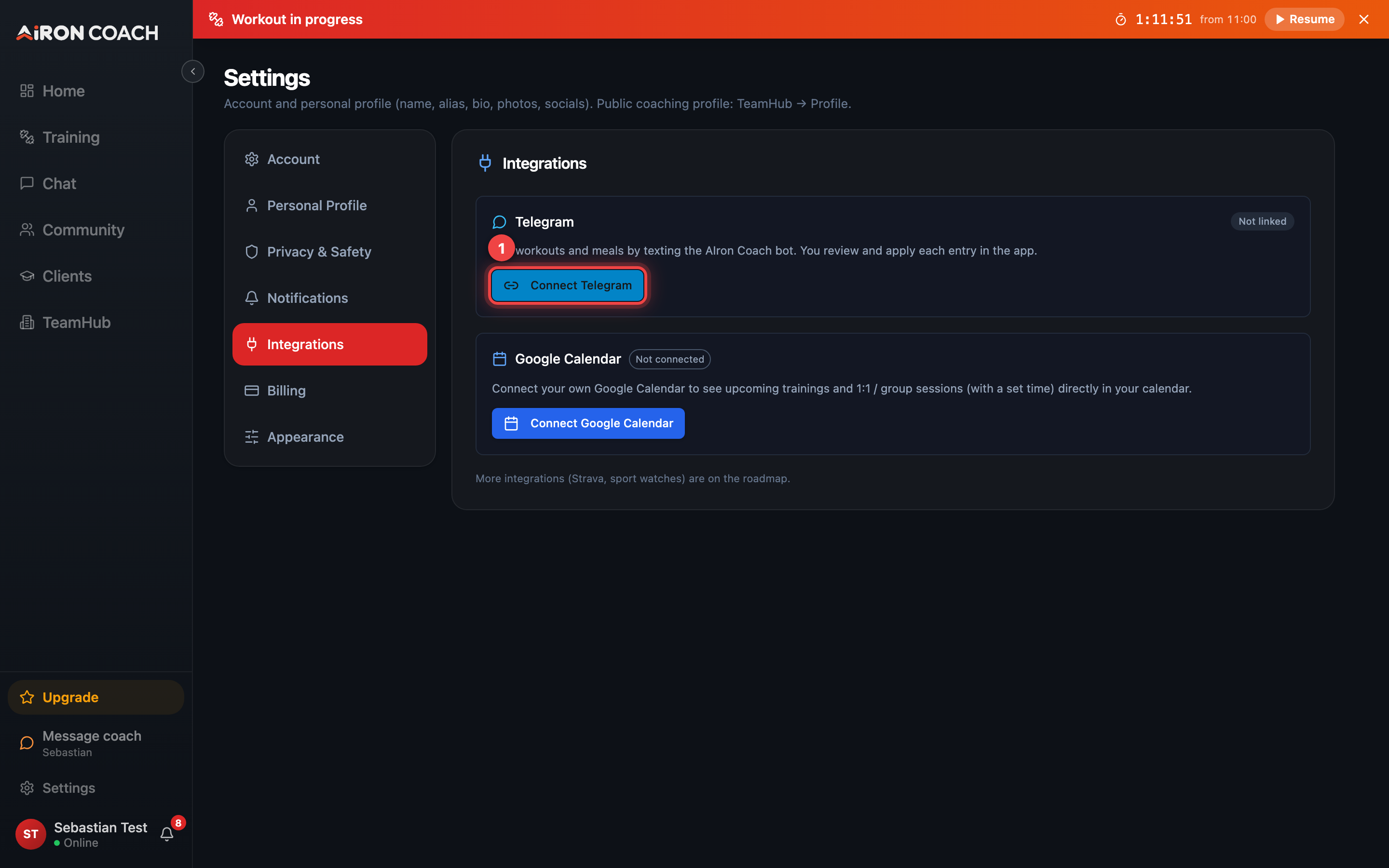
- Callout 1: Connect Telegram
airon.coach · 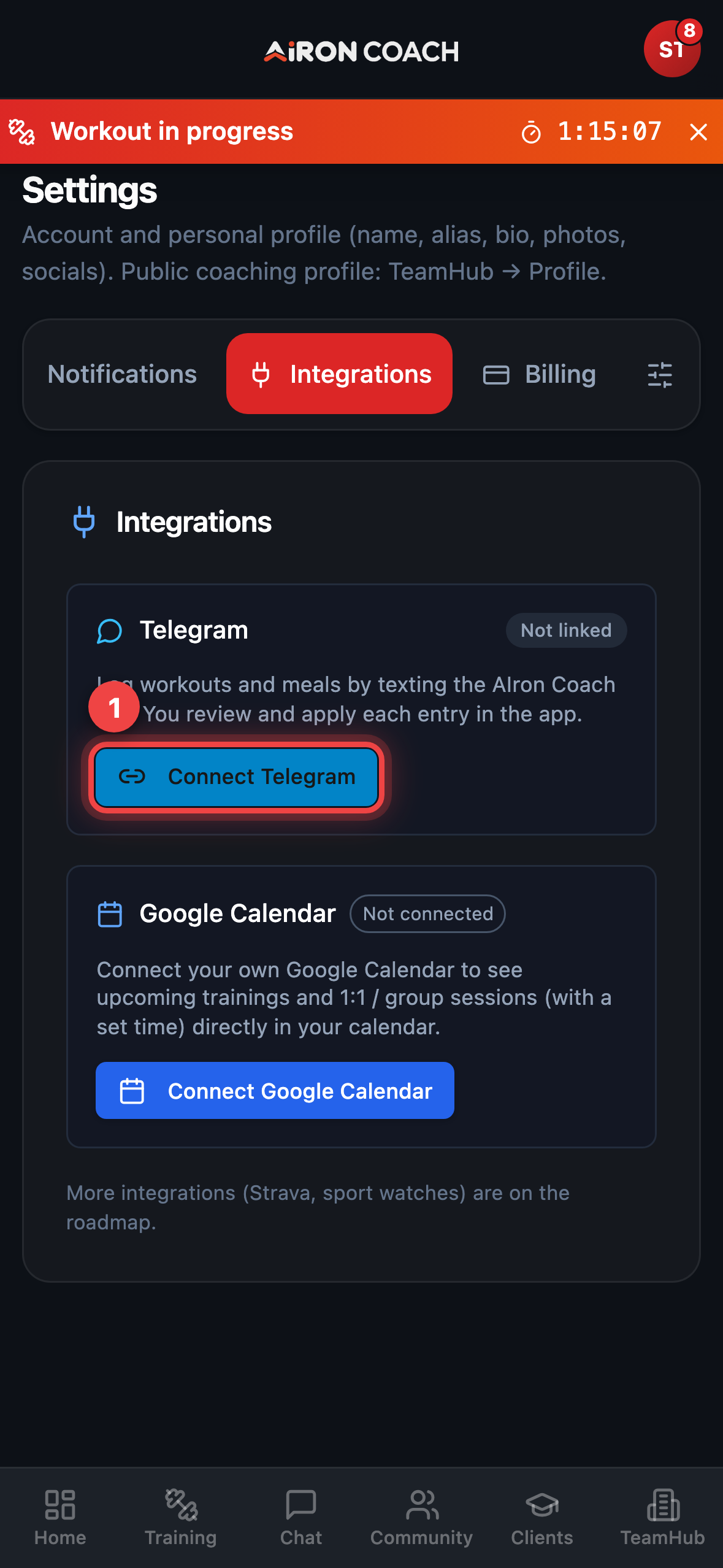
- Callout 1: Connect Telegram
airon.coach · Telegram
Section titled “Telegram”The Telegram card lets you link the AIron.coach bot:
- Tap Connect Telegram.
- Open the link it shows (Open in Telegram).
- Send
/startwith your one-time code (codes expire in 10 minutes).
After connecting you can opt into meal charts and morning plan nudges from the same card. Use disconnect when you want the bot to stop.
Google Calendar
Section titled “Google Calendar”The Google Calendar card uses OAuth. Tap Connect Google Calendar and finish the Google consent screen. Planned workouts can sync to the calendar you choose; disconnect from the same card when you are done.
What is not available here
Section titled “What is not available here”WhatsApp and Messenger connect are not self-serve in the current UI (connect controls are hidden). Do not expect a WhatsApp button under Integrations or Notifications.