Asking the AI coach
Open AI Coach from the sidebar. If you are in a coach’s team the entry is labelled Chat, and it holds both your AI conversations and messages with your human coach.
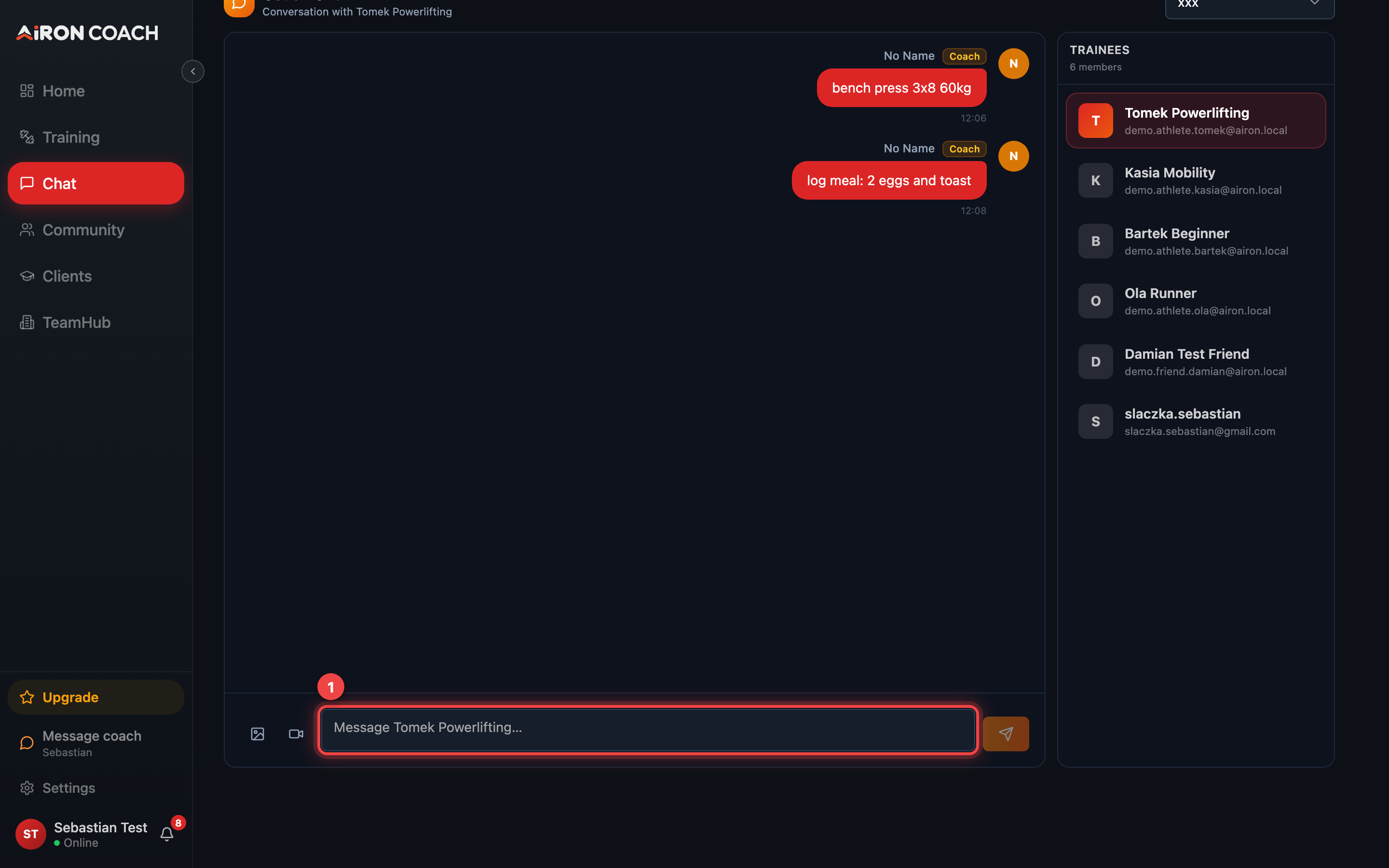
- Callout 1: Type your question here
airon.coach · 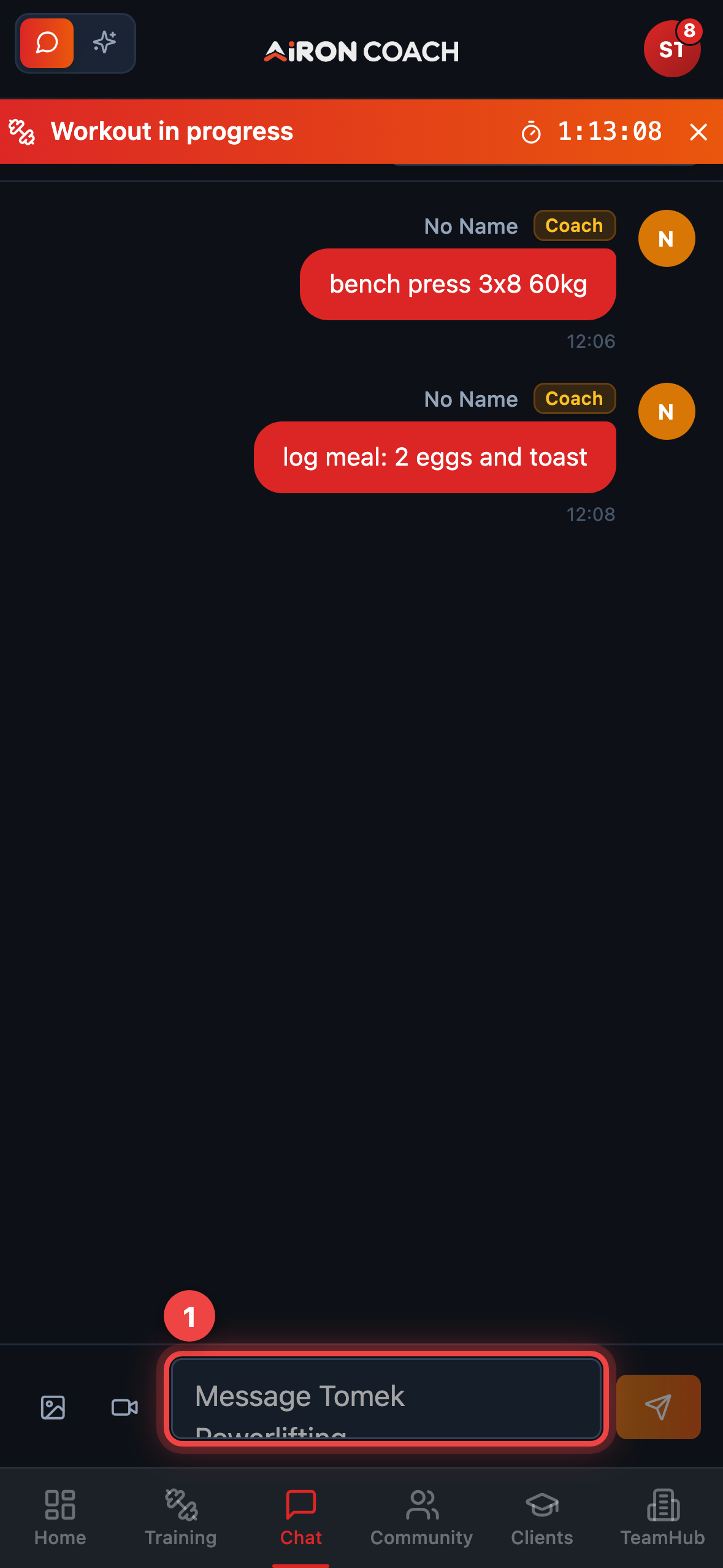
- Callout 1: Type your question here
airon.coach · Tabs when you are on a team
Section titled “Tabs when you are on a team”Inside /Chat you may see:
- Coach Chat — conversation with your human coach / team
- AI Coach — the AI assistant
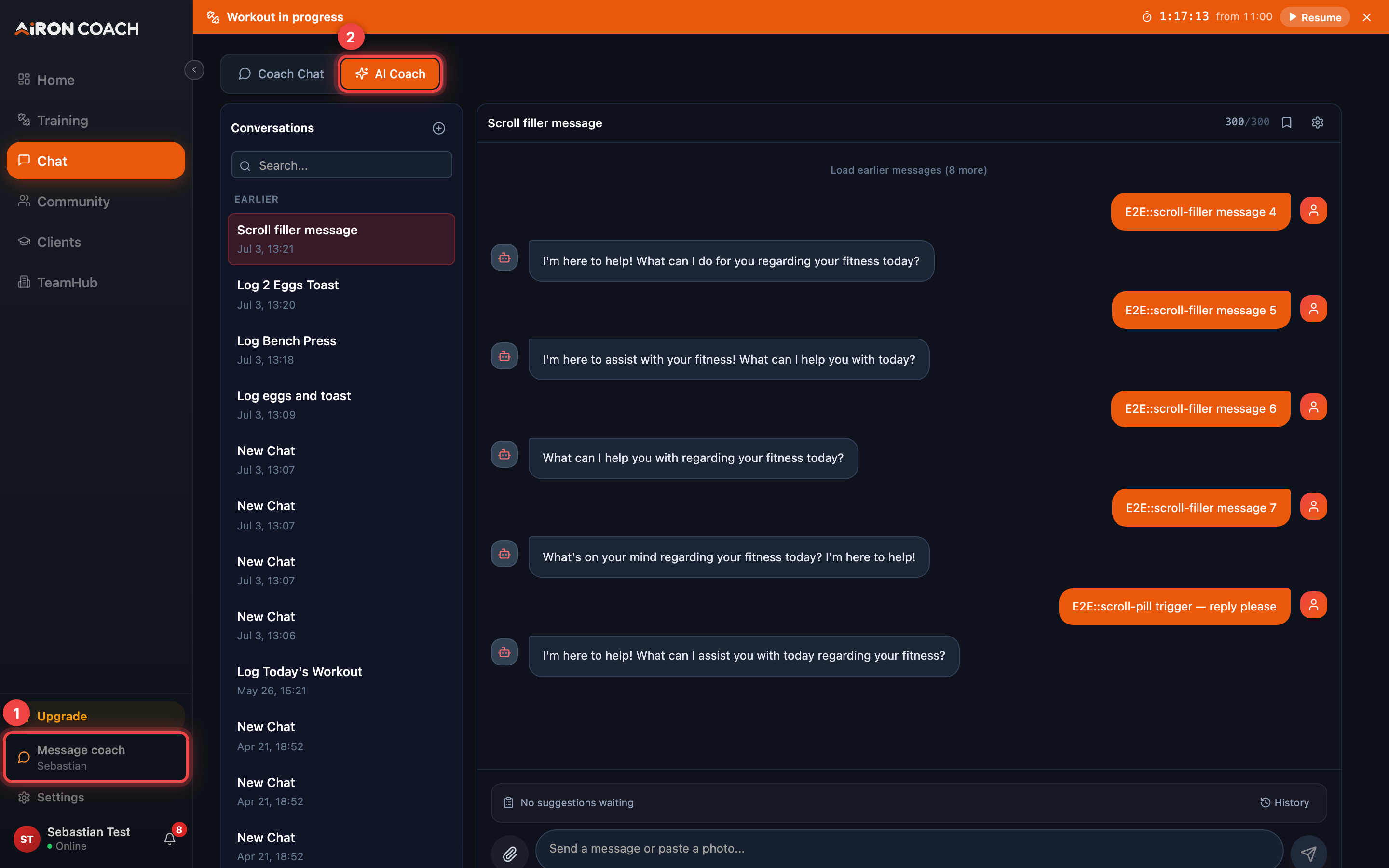
- Callout 1: Message your human coach
- Callout 2: Talk to the AI coach
airon.coach · 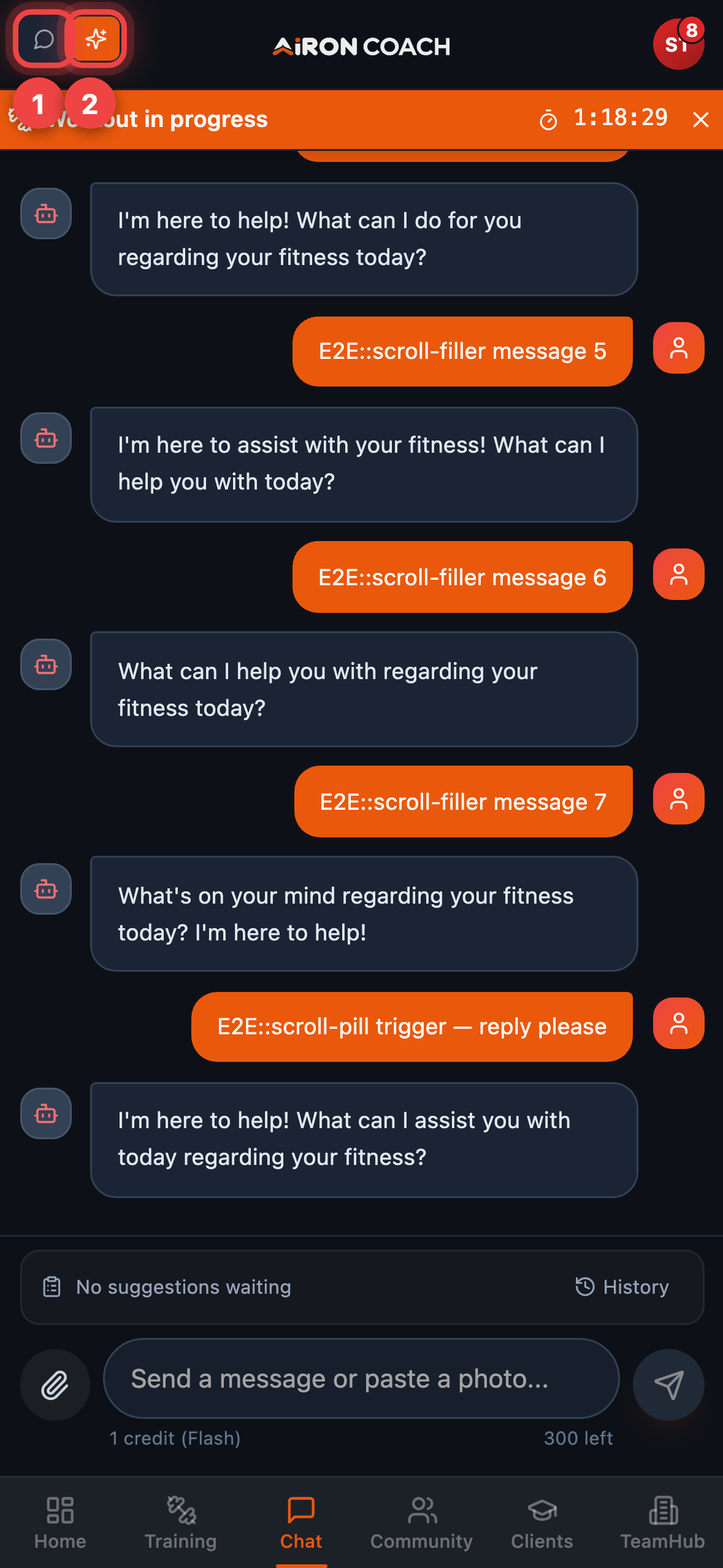
- Callout 1: Message your human coach
- Callout 2: Talk to the AI coach
airon.coach · Solo athletes land directly on the AI surface (?tab=ai).
A floating AI chat also appears on most signed-in screens so you can ask without leaving
Training or Nutrition. It is hidden on marketing, legal, pricing, blog, and public
/c/ / /t/ pages.
Grounded questions work best
Section titled “Grounded questions work best”The coach can read what you have actually logged, so the useful questions are the ones your data can answer:
- Has my squat volume gone up over the last month?
- I keep missing Friday sessions — how should I restructure the week?
- Am I averaging enough protein?
Questions it cannot answer well are the ones with no data behind them — medical advice, or progress in a period you did not log.
Nothing is written until you Apply
Section titled “Nothing is written until you Apply”When the coach wants to change your calendar or plan, it does not just do it. You get a
proposal with Apply and Ignore. Larger changes open a Review log page
(/ApplyProposal) first so you can see exactly what would be written.
Until you press Apply, your training and nutrition data is untouched. Deletes use Confirm delete instead.
Workout proposal (Review log)
Section titled “Workout proposal (Review log)”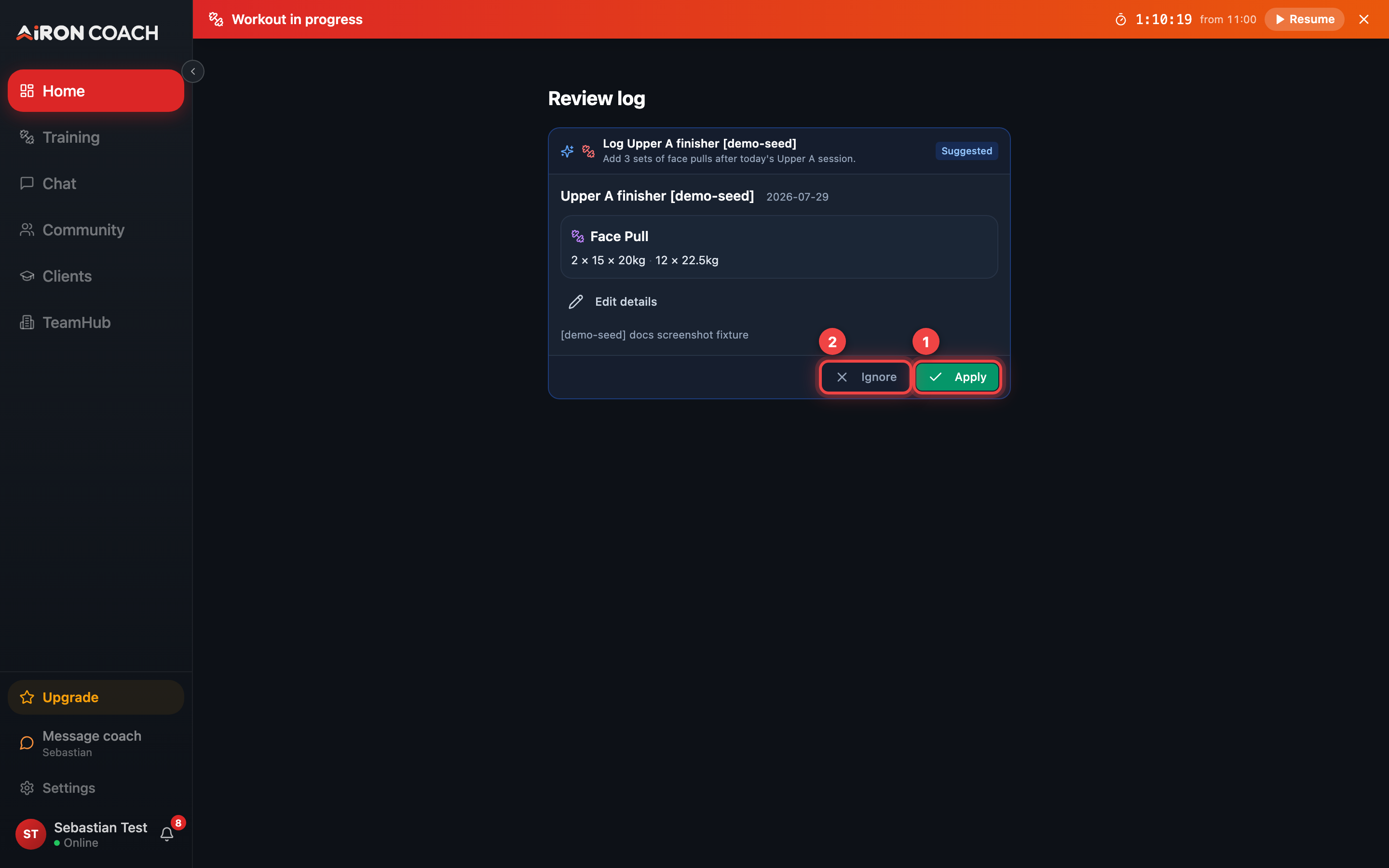
- Callout 1: Apply writes the change
- Callout 2: Ignore discards the proposal
airon.coach · 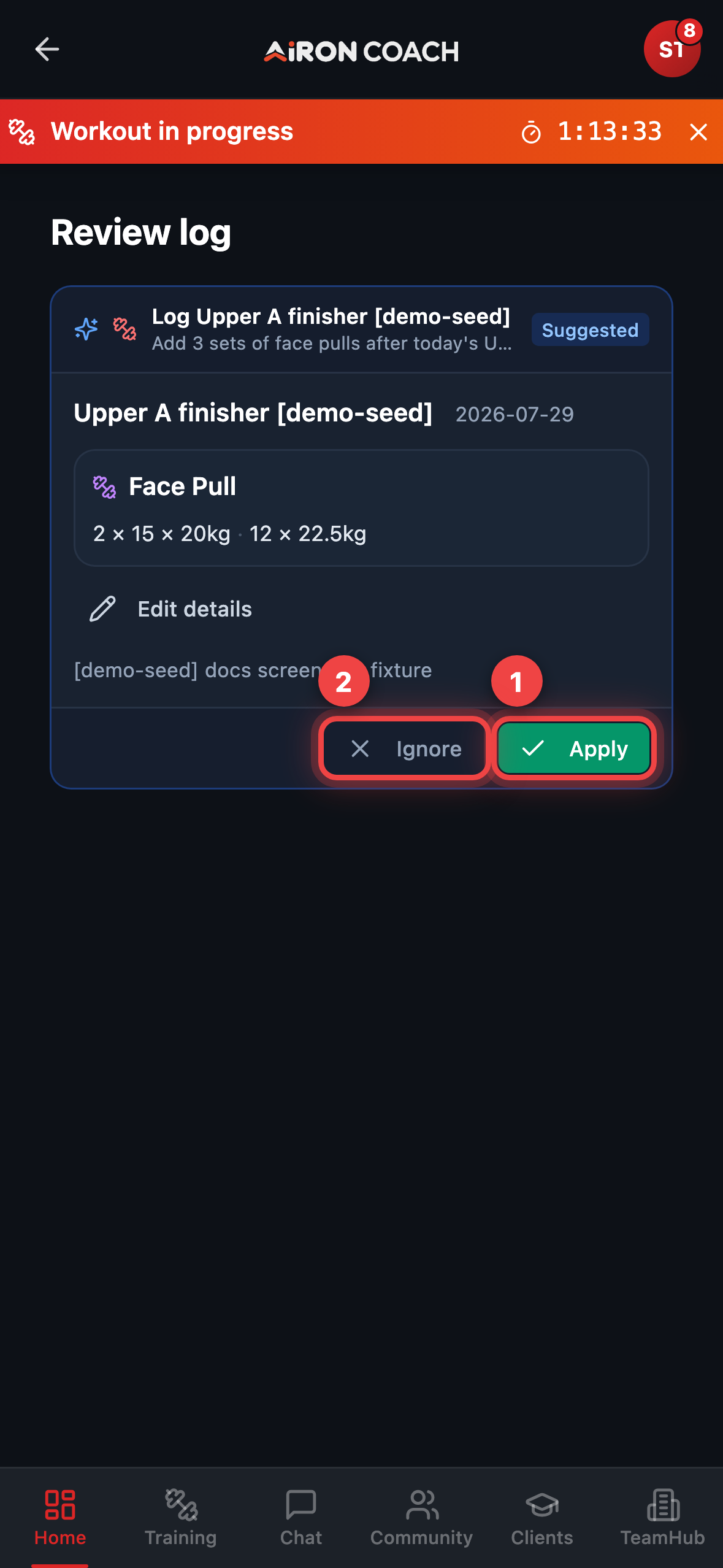
- Callout 1: Apply writes the change
- Callout 2: Ignore discards the proposal
airon.coach · Nutrition proposal (real meal)
Section titled “Nutrition proposal (real meal)”The same flow covers food. The coach can propose a meal with foods and macros; you still choose Apply before anything lands in your Nutrition log.
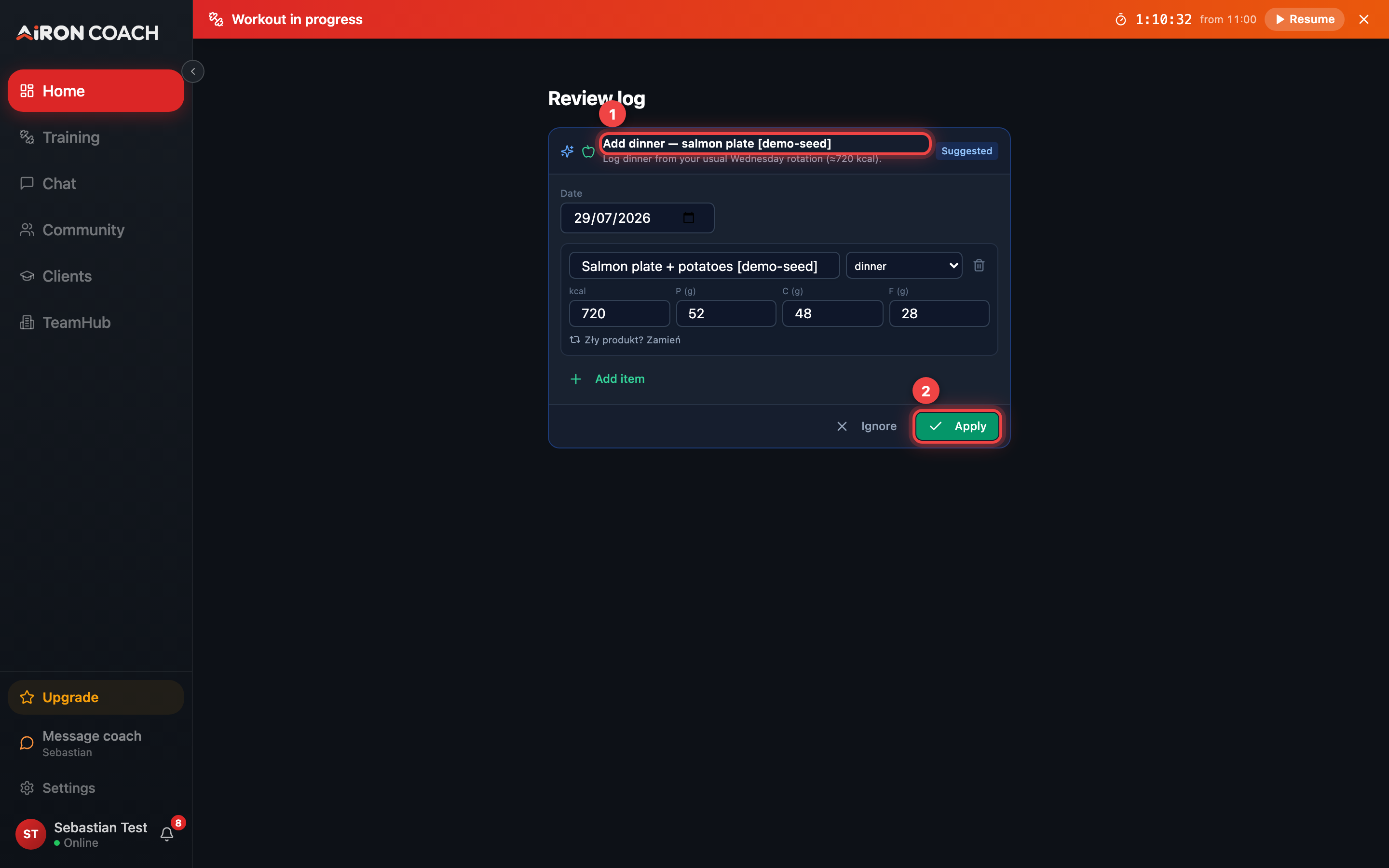
- Callout 1: Proposed meal with macros
- Callout 2: Apply to save the meal log
airon.coach · 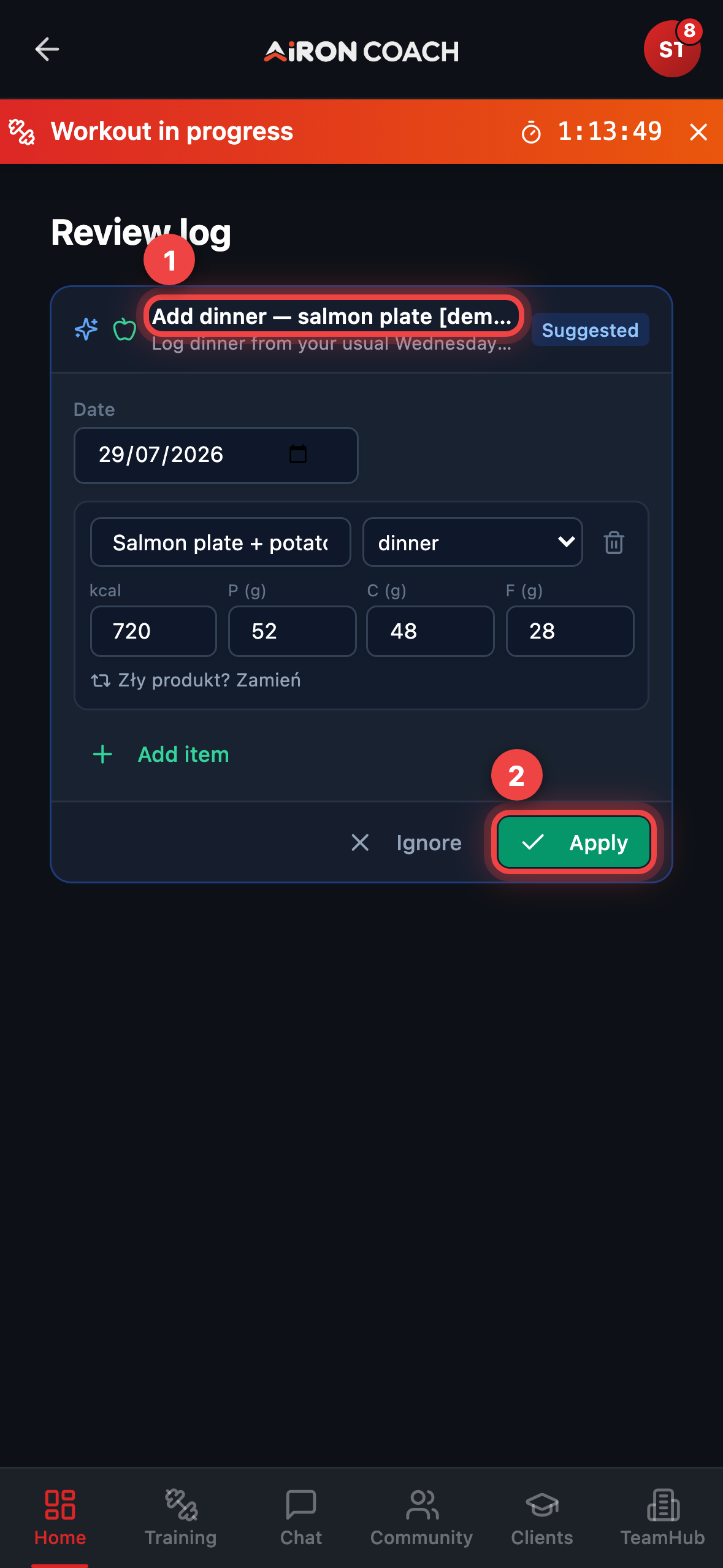
- Callout 1: Proposed meal with macros
- Callout 2: Apply to save the meal log
airon.coach · History — Waiting and Applied
Section titled “History — Waiting and Applied”Above the composer, History opens Coach suggestions. Filter by Waiting, Applied, or Ignored to revisit past proposals, re-open a Review log, or confirm what you already saved.
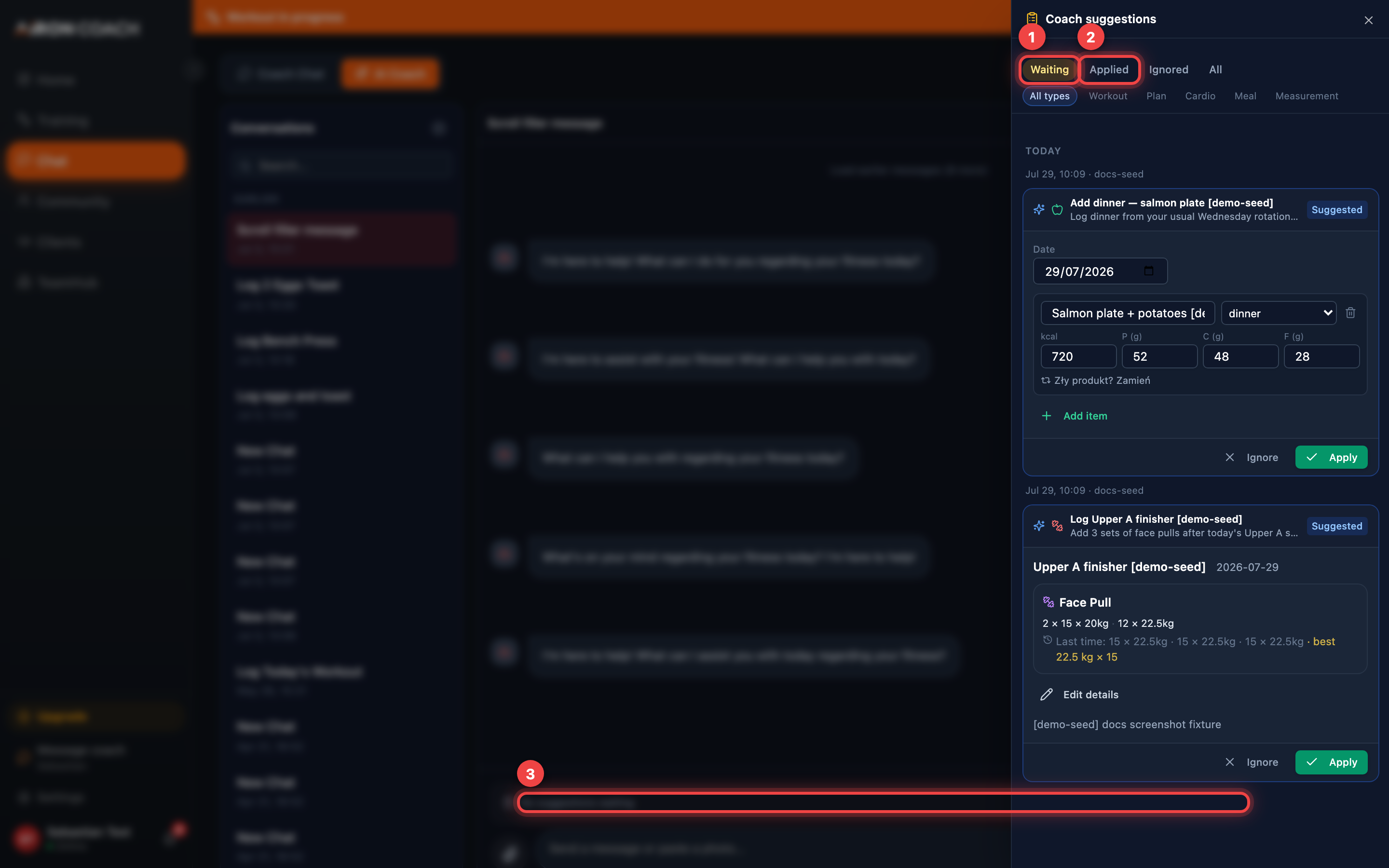
- Callout 1: Waiting suggestions
- Callout 2: Already applied
- Callout 3: A suggestion you can still Apply or Ignore
airon.coach · 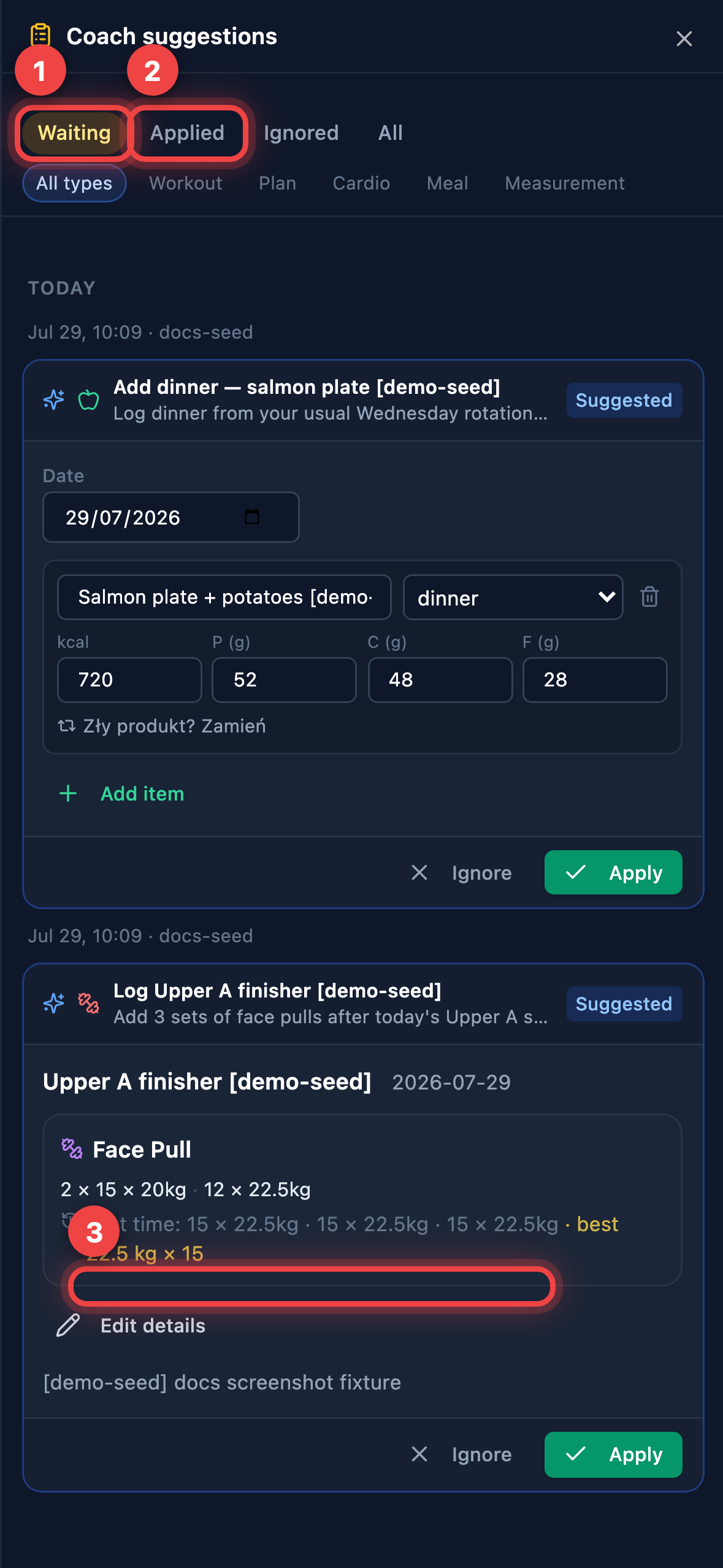
- Callout 1: Waiting suggestions
- Callout 2: Already applied
- Callout 3: A suggestion you can still Apply or Ignore
airon.coach · 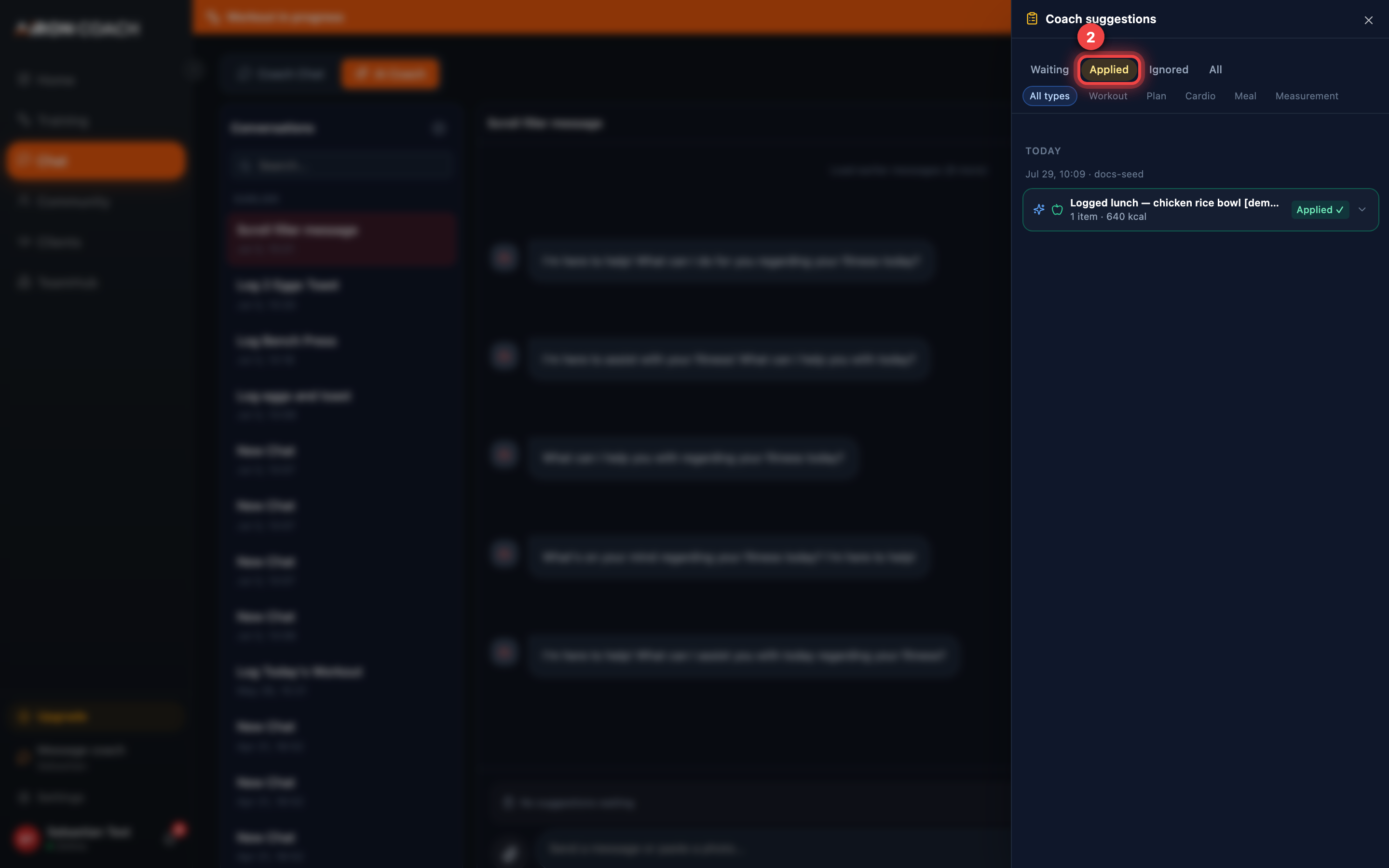
- Callout 1: Applied filter
- Callout 2: A previously applied suggestion
airon.coach · 
- Callout 1: Applied filter
- Callout 2: A previously applied suggestion
airon.coach · You can later choose Edit again, Reconsider, or Save changes on past proposals from the same card family.
Personal instructions and memories
Section titled “Personal instructions and memories”Under Settings → Account you can set Personal Instructions for the AI coach (abbreviations, injuries, language preferences). The same area surfaces durable coach memories the product stores for transparency.
What a conversation costs
Section titled “What a conversation costs”Every reply spends AI credits from your monthly allowance:
| Free | PRO | ELITE | |
|---|---|---|---|
| Messages per month | 5 | 60 | 300 |
Each message costs 1 credit — the app serves a single AI model. Logging workouts and meals is always free — only the AI conversation draws on credits.
AI-generated training plans are also capped by plan length: 7 / 14 / 30 days on Free / PRO / ELITE.
If you run out, your allowance refreshes at the start of the next month, or you can move to a larger plan. See Plans, limits and AI credits.